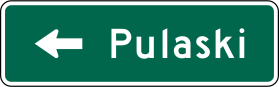
Destination sign
Gives the name of a city, town or other destination with an arrow showing the direction to it.
What to do
Follow the arrow to reach the place named.
Read the arrow next to your destination early so you can get into the correct lane before the intersection.
Where it's used
Section 2D.36 says that, except near interchanges, Destination (D1 series) signs must be horizontal rectangles showing the name of a city, town or other traffic generator with a direction arrow; right arrows go at the far right and left or up arrows at the far left. They should be used where numbered U.S. or State routes meet, and to direct traffic to town business areas or places reached by unnumbered roads. Versions D1-1a to D1-3a also give distances, up to three destinations can be shown, and guide signs use white legends on green.
Don't confuse it with
- Distance sign: The Distance sign lists places straight ahead with mileages and no arrows, while the Destination sign points you toward a place.
- Street Name sign: The Street Name sign names the street at an intersection, not a city or destination.
- Type
- Guide signs
- Shape
- Horizontal rectangle
- Colors
- green, white
- MUTCD code
- D1-1
- MUTCD section
- 2D.36
More guide signs
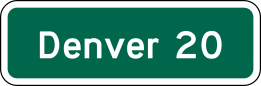 Distance sign
 Street Name sign
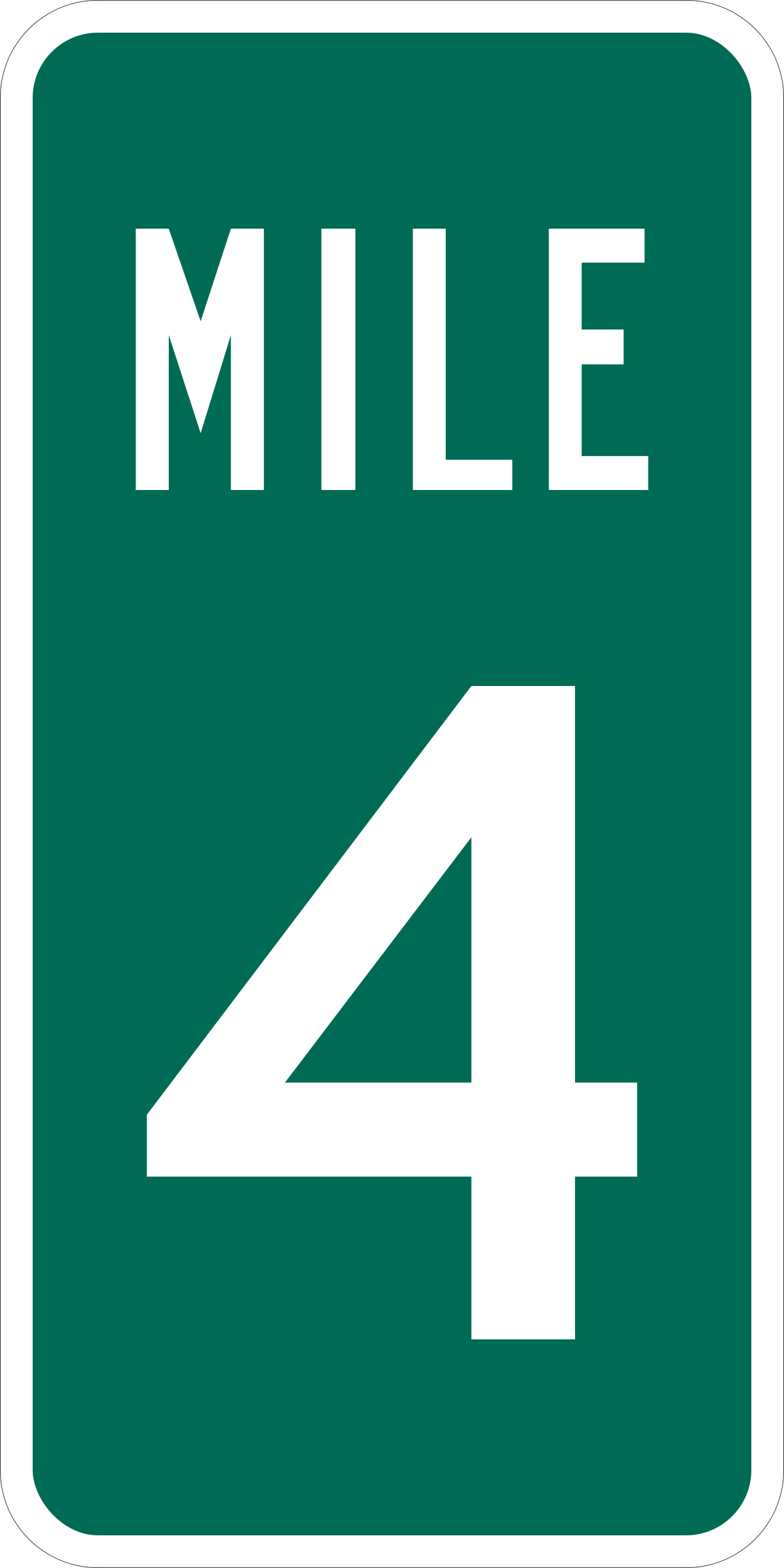 Reference Location sign (mile marker)
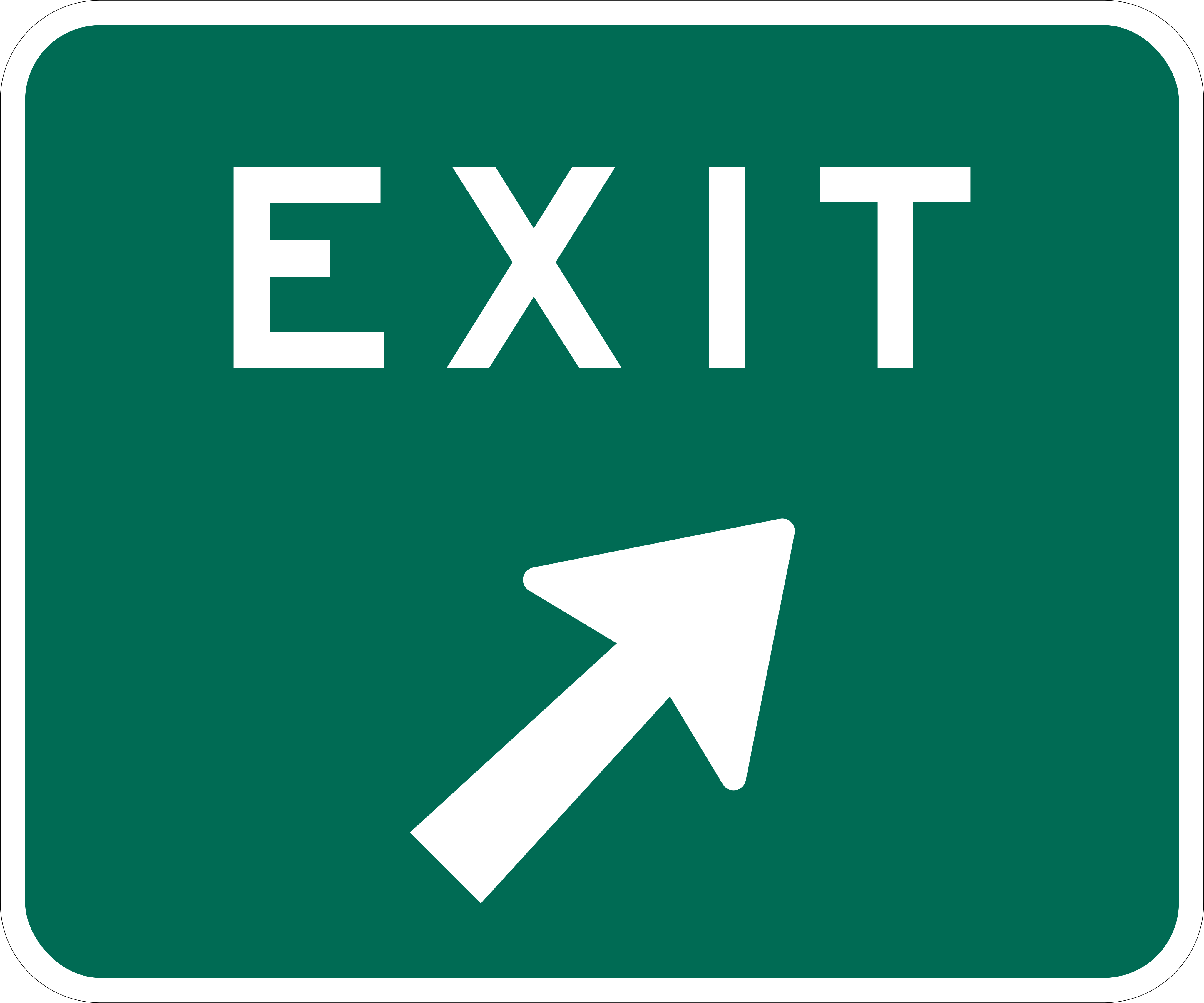 Exit Gore sign
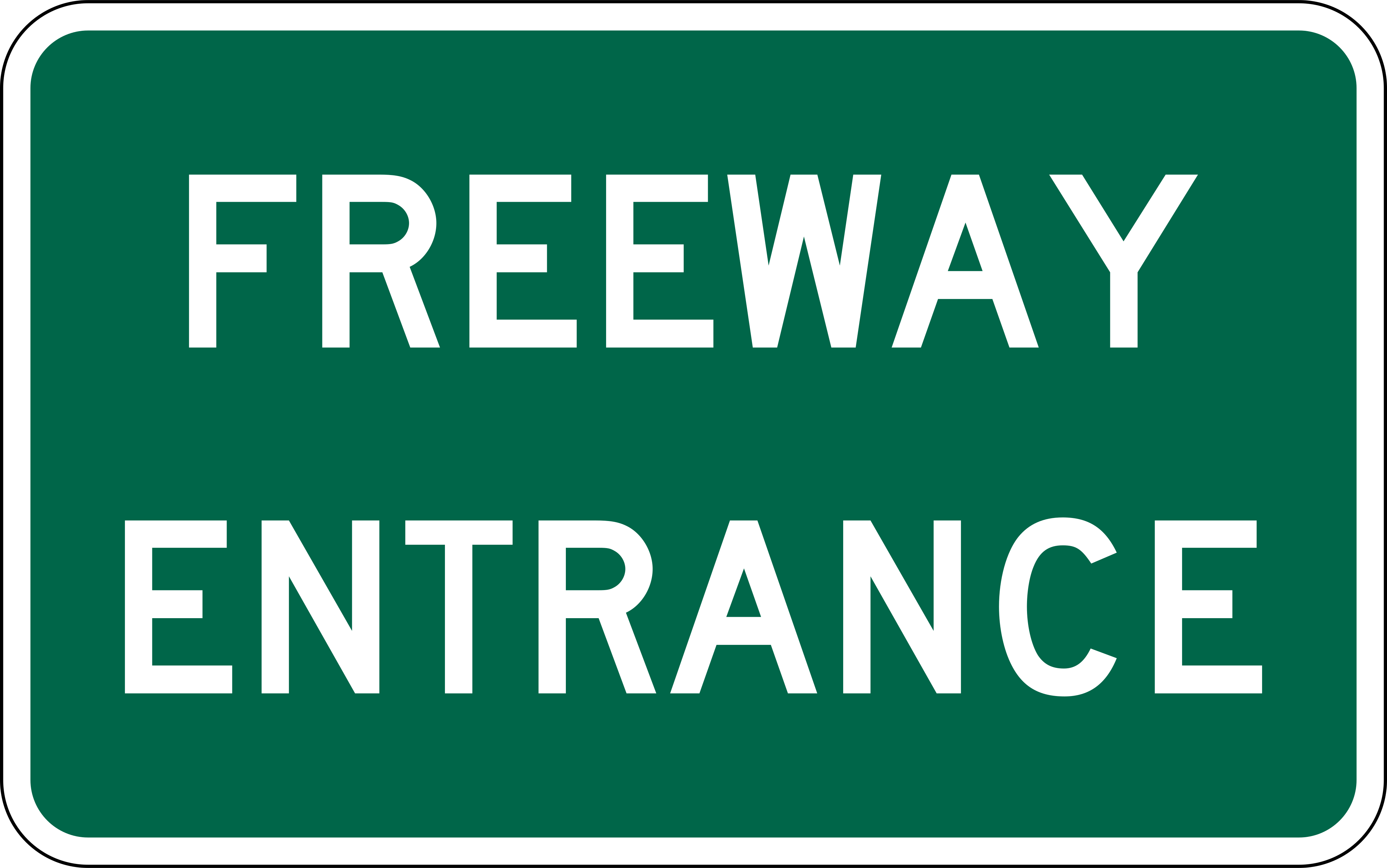 Freeway Entrance
 Bike Route
From the Manual on Uniform Traffic Control Devices (MUTCD), 11th edition, section 2D.36. Sign image: public domain, source.